Coming to bzar
Coming from spreadsheets and forms
If you run your event with Google Forms, a spreadsheet and lots of email, here's where each of those jobs lives in bzar.
In short: bzar does the copying, chasing and sorting for you. Each tool you use today has one place in bzar.
| Today you use | In bzar | Where |
|---|---|---|
| A Google Form for applications | Application form | Your event's Forms tab |
| A spreadsheet of who applied | The list of applications, with filters | Your event's Applications tab (guide) |
| Emails saying yes or no | Approve or Reject: bzar emails the vendor | Open the application |
| Venmo, checks or invoices | Card payments, paid out to your bank | Event wizard, Applications step |
| A drawing of the layout | Venue map | Spaces → Venue Map (guides) |
| Reply-all emails to vendors | Messages | Your event's Messages tab |
| Collecting insurance by email | A required upload, like Certificate of insurance | Your event's Forms tab |
| A clipboard at the gate | Ticket scanning | Check-In Mode (guide) |
Start here
1. Create your event
The wizard walks you through it.
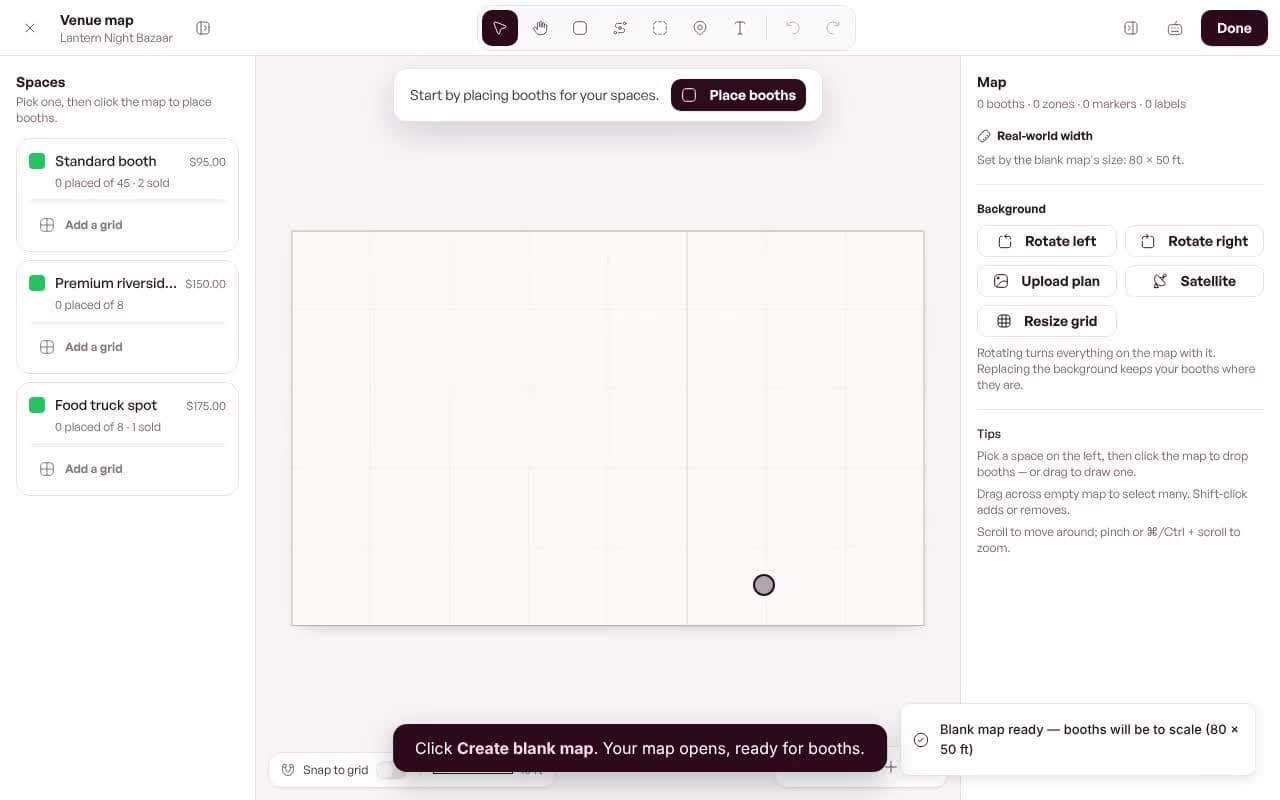
2. Build your map
Start from a blank grid in a minute.