Coming to bzar
Coming from Marketspread
The Marketspread words you know, what bzar calls them, and where to find each one.
In short: the work is the same. You take vendor applications, place vendors in booths, talk to them, and run the day. Most things just have a new name.
Words that change
| In Marketspread | In bzar | Where in bzar |
|---|---|---|
| Event | Event | Events → Create Event (guide) |
| Application | Application form | Your event's Forms tab |
| A vendor's application | Application | Your event's Applications tab (guide) |
| Layouts and the Layout Designer | Venue map | Spaces → Venue Map (guides) |
| Booths or stalls | Booths, grouped into space types | Your event's Spaces tab (guide) |
| Rentals, like tents and tables | Add-ons | Your event's Add-ons tab |
| Scheduler | Assign a vendor on the map | Map editor, or Approve & Assign Booth (guide) |
| Messenger, Email Vendors | Messages | Your event's Messages tab |
| Vendor attendance | Check-in | (guide) |
| Market reports | Analytics and Export | Your event's Analytics tab, and Export (guide) |
What works differently
- No Scheduler grid. You place vendors on the map itself: click a booth, pick the vendor. Or pick their booth when you approve them with Approve & Assign Booth.
- Approving is one step. An approved vendor is in.
- Nothing to activate. There are no templates to push live. Edit your form or map and your changes save.
- Tickets are built in. You can sell tickets to visitors on the same event page. See selling tickets.
- You pay only on what you sell: 3.9% on booth fees and 3% on paid tickets, and you choose who pays them. Free events and free tickets cost nothing.
Weekly markets with many market days (seasons) are rolling out gradually. If you don't see them in your dashboard yet, they aren't turned on for your organization.
Your first event on bzar
1. Create your event
The wizard walks you through it.
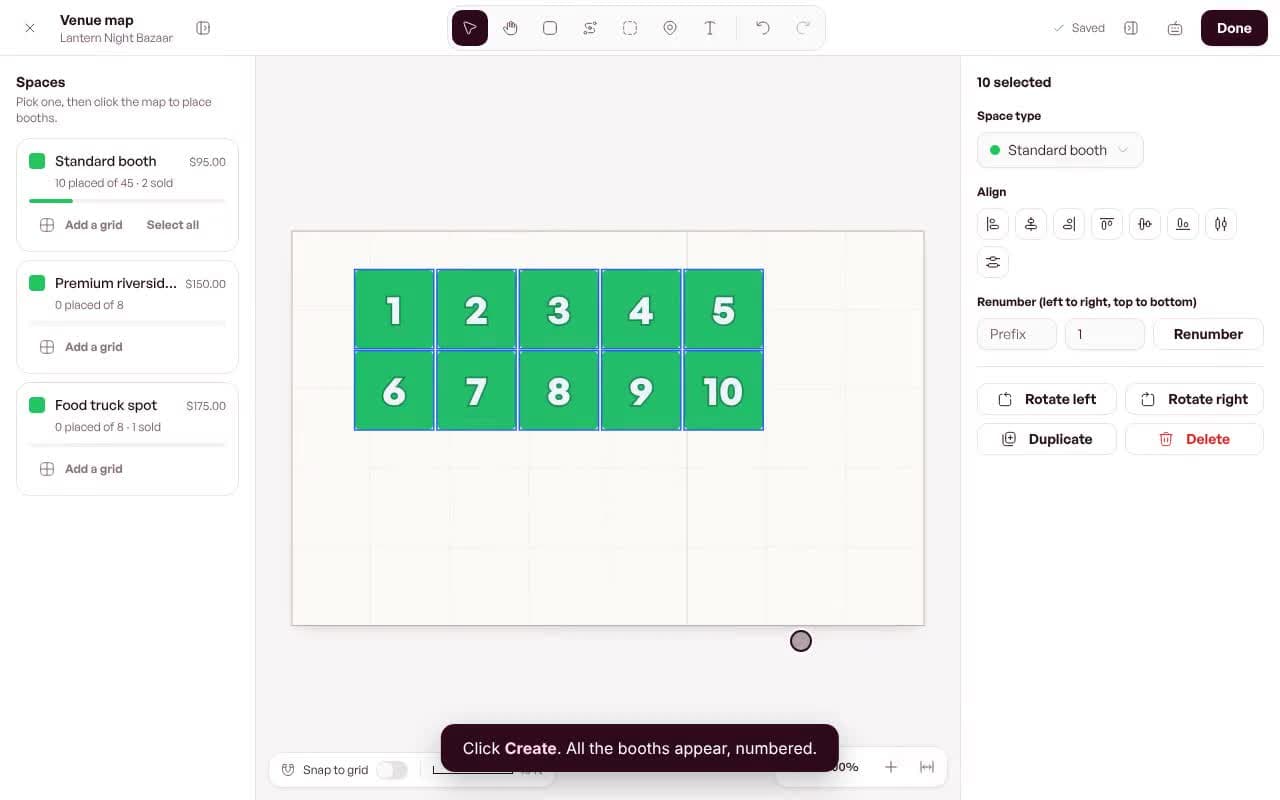
2. Build your map
Your layout, in a few clicks.
3. Review applications
Approve, waitlist or reject.
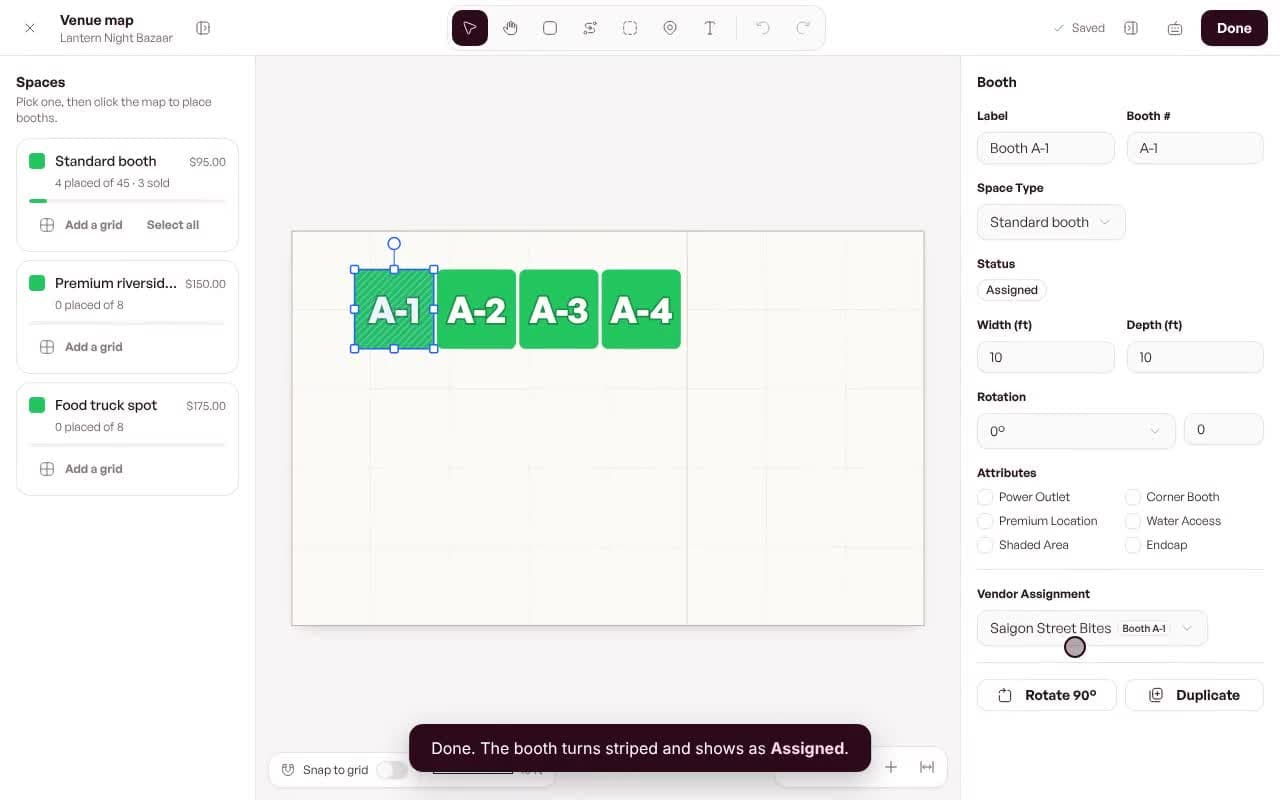
4. Place your vendors
Click a booth, pick a vendor.