Coming to bzar
Coming from Eventeny
The Eventeny words you know, what bzar calls them, and where to find each one.
In short: the work is the same. You create an event, take vendor applications, put vendors on a map, sell tickets and check people in. Most things just have a new name.
Words that change
| In Eventeny | In bzar | Where in bzar |
|---|---|---|
| Event | Event | Events → Create Event (guide) |
| Artist, Vendor & Exhibitor Application | Application form | Your event's Forms tab |
| Submission | Application | Your event's Applications tab (guide) |
| Approve, Waitlist, Reject | Approve, Waitlist, Reject | Open the application |
| Additional Prices: booth or space | Space type | Your event's Spaces tab (guide) |
| Additional Prices: rentals, like tables | Add-on | Your event's Add-ons tab |
| Charge Process | Payment Timing | Event wizard, Applications step |
| Maps and the map editor | Venue map | Spaces → Venue Map (guides) |
| + Assign a booth | Assign a vendor | Map editor, or Approve & Assign Booth (guide) |
| Vendors Can Select Their Booths | I review, vendors pick their spot | Event wizard, Applications step, How do vendors get booths? |
| Certificate of Insurance | A required upload, like Certificate of insurance | Your event's Forms tab |
| Group Message | Messages | Your event's Messages tab |
| Tickets, + New Ticket | Add Ticket Type | Your event's Tickets tab (guide) |
| Check in (app) | Check-In Mode | The top of your event on the event day, or the bzar app (guide) |
| Export | Export | Applications tab or Vendor Roster (guide) |
| Vendor list, vendor database | Vendor Roster | Side menu (guide) |
What works differently
- One step to approve and place. When you approve, you can pick the vendor's booth in the same step: Approve & Assign Booth.
- No plans to upgrade. The map, applications, tickets and check-in are all included. bzar takes a fee only on what you sell: 3.9% on booth fees and 3% on paid tickets. Free events and free tickets cost nothing.
- You choose who pays the fees. In the event wizard's Applications step, Fee Structure lets vendors pay them, split them, or you cover them.
- Approved vendors show up on your event page by themselves. They're listed under Who’s selling.
Your first event on bzar
1. Create your event
The wizard walks you through it.
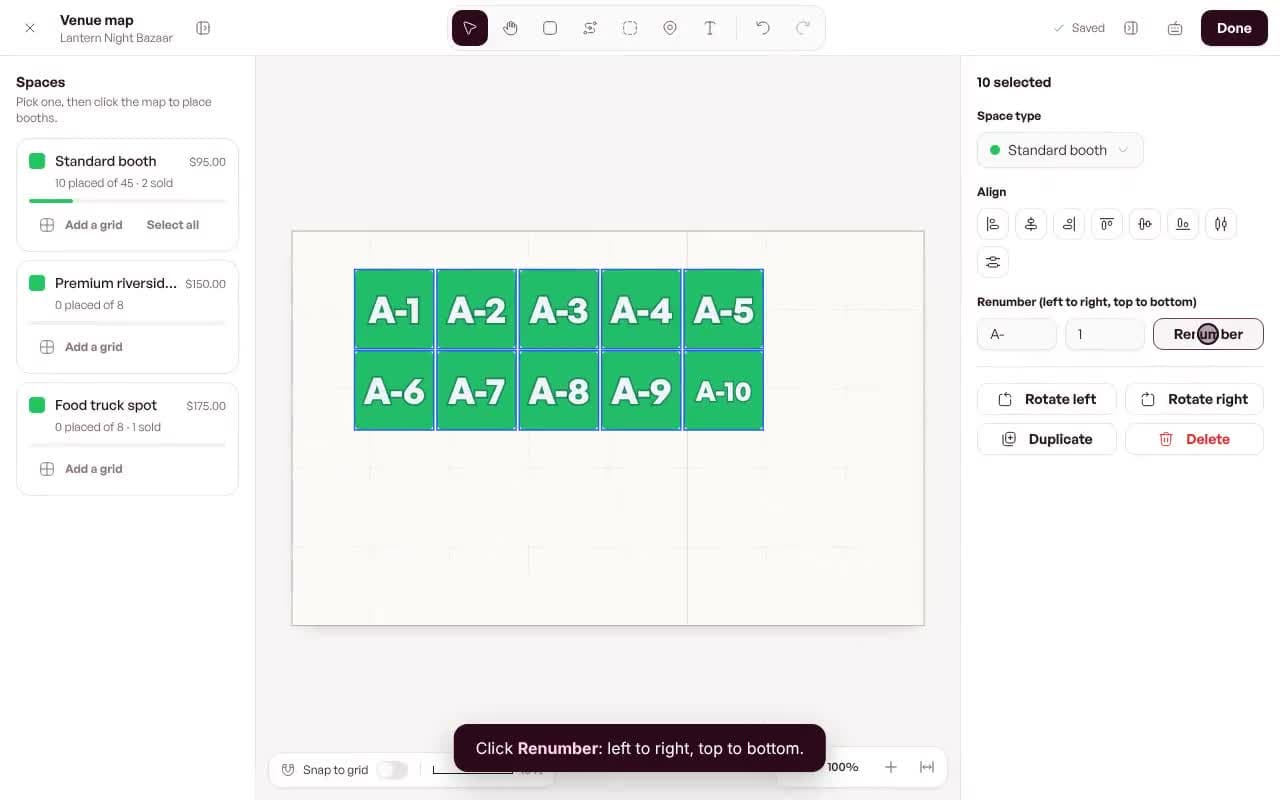
2. Build your map
Space types, booths and numbers.
3. Review applications
Approve, waitlist or reject.
4. Check people in
Scan tickets on the day.